

Prerequisites
- cPanel/WHM server with root access
- A bunny.net account with an API key
- Access to the plugin repository (requires approval)
The plugin repository is protected. To get access, contact our sales team.
Install the plugin
Install the plugin using either APT or RPM depending on your server’s package manager.- RPM (AlmaLinux/Rocky)
- APT (Debian/Ubuntu)
Configure the RPM repository:Install the packages:
Set up the plugin
After installation, open WHM and navigate to Plugins > bunny.net1
Enter your bunny.net API key
On the plugin page, enter your bunny.net API key and click Setup.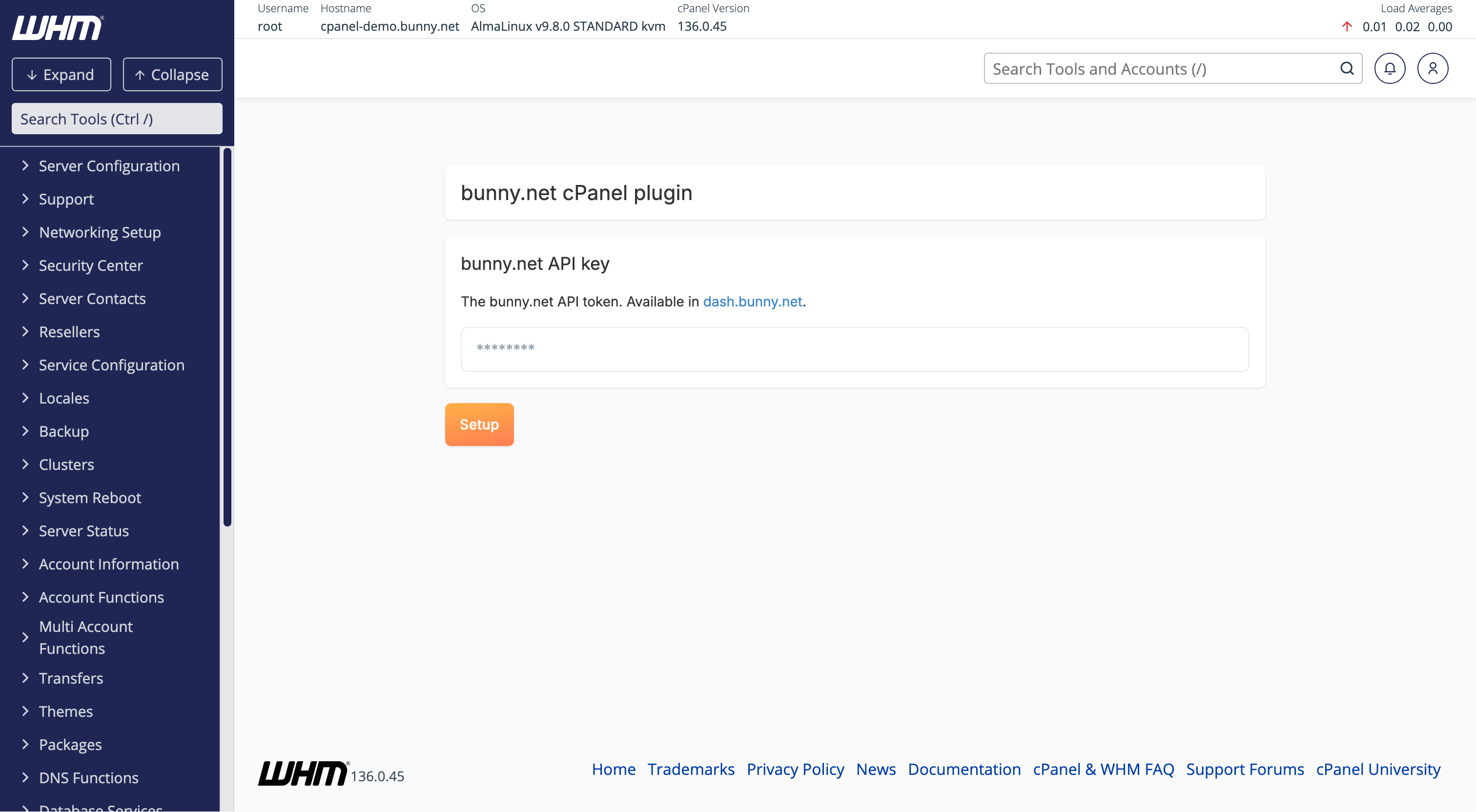
2
Setup complete
The setup is complete. The plugin will display the available configuration options.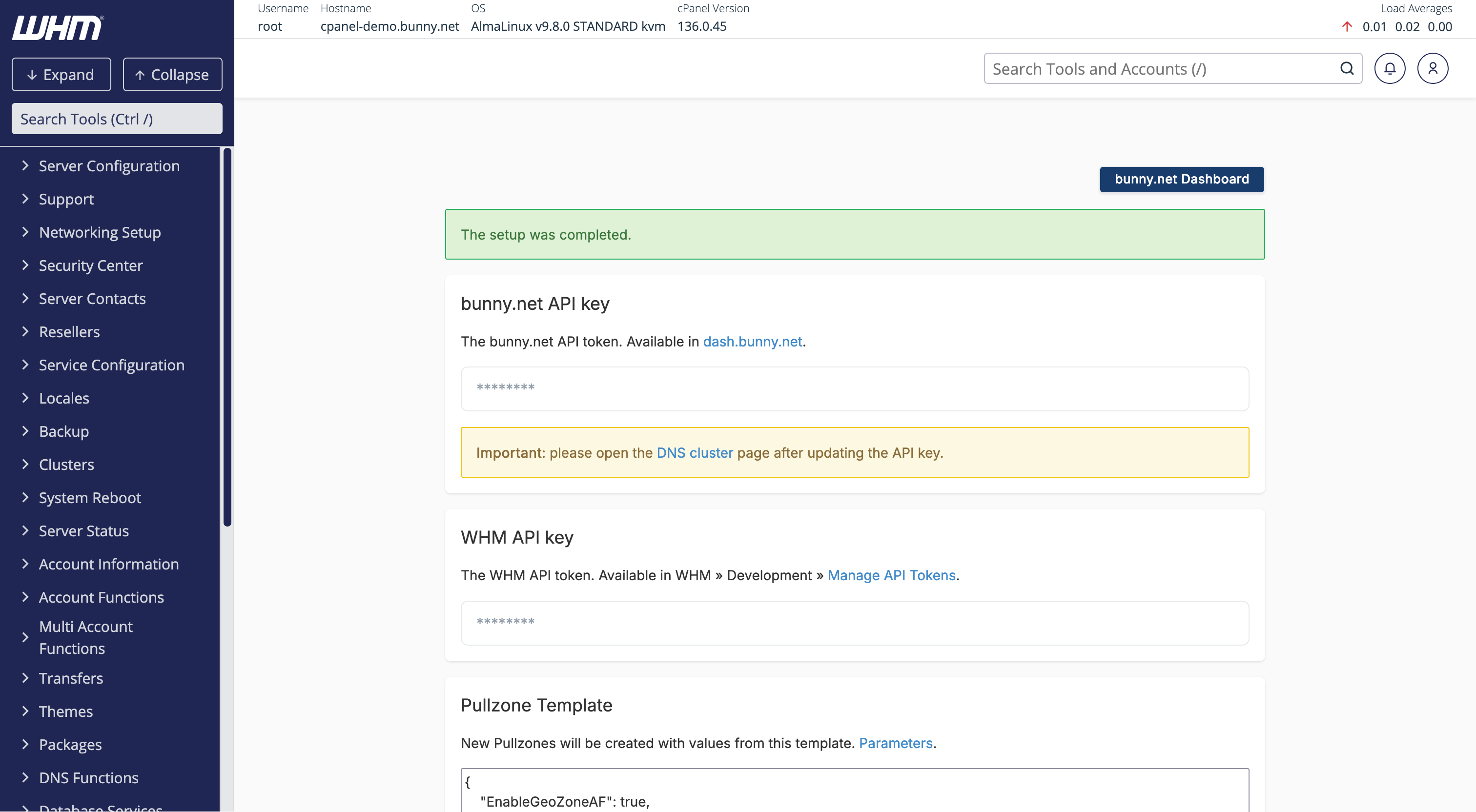
The setup process will configure a DNS cluster on the server. You might need to manage it under Clusters > DNS Cluster.